That Big Vision Studio Start creating

Reels, posts and carousels, for creators, brands and agencies

Make the post in one place. Know why it worked.

6,872 stills checked by eye, 115 fonts and quotes with checked sources for the making. An editor that keeps your footage on your laptop. A Launch Center that reads your Instagram numbers and learns what works for your account.

Opens in your browser. Works best in Chrome on a laptop or desktop.
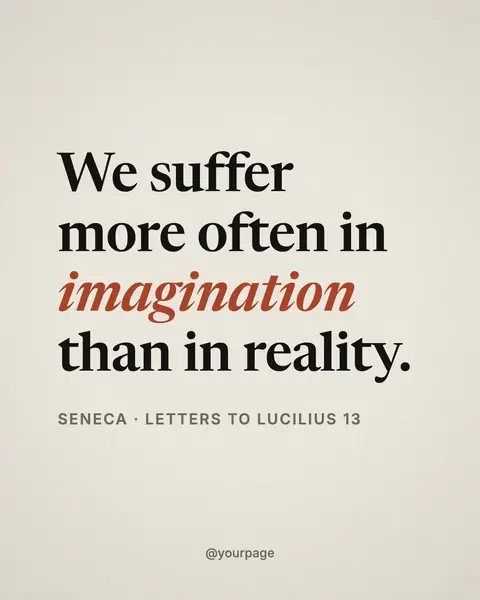
A post made in That Big Vision Studio: “We suffer more often in imagination than in reality.” Seneca, in the Paper Serif style.

Look 1 of 12 Paper Serif · Newsreader

Real renders from the studio, all of one line: Seneca, Letters to Lucilius 13, source checked.

The film
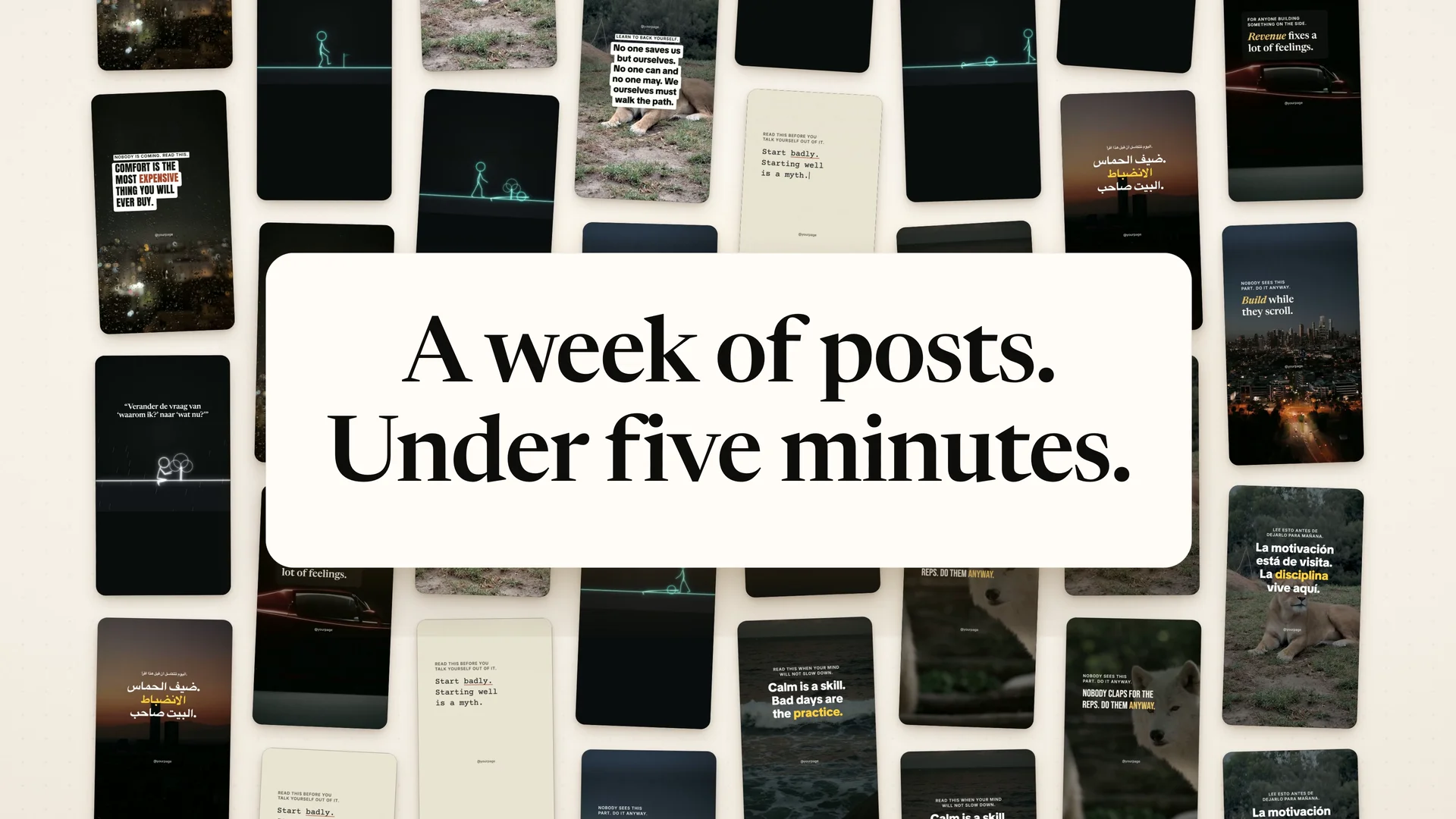
The studio at work, in one short film.

Open the studio in your browser and make your first post.

02 Before and after

A post used to need a tab for everything.

A stock site for the photo, a font site, a quote site and a second one to check who said it, then a design app, a caption writer, a video editor and an analytics tab. Now the photo, the font, the line and its source, the caption, the edit and the numbers sit in one studio. Nothing gets copied between apps.

  • Photos
  • Fonts
  • Quotes
  • Sources
  • Design
  • Captions
  • Hashtags
  • Video
  • Trends
  • Analytics

That Big Vision Studio

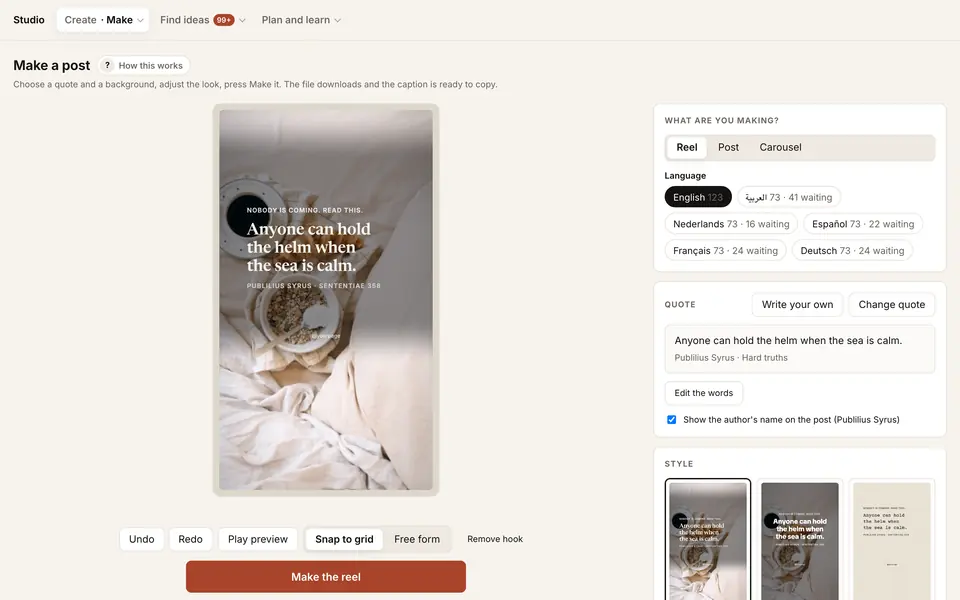
The studio's Make screen: a reel preview on a real still, with the quote, format and style controls

03 The library

6,872 stills. Each one checked by eye.

Every still is portrait and large, so it fills a 4:5 post or a 9:16 reel, and each one was checked by eye at the 4:5 crop. 32 categories of calm photos, from coffee and linen to rain on glass, mountains and city lights. Photos with faces, brands or printed text were left out.

stills
6,872
categories
32
b-roll clips
692
mood clips
about 1,600
fonts
115

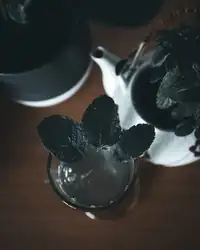
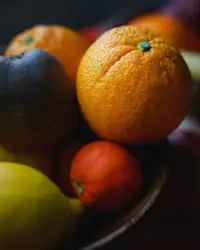
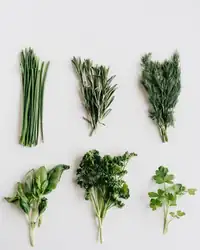
All 32 categories. Tap one to see its stills.

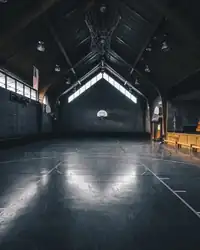
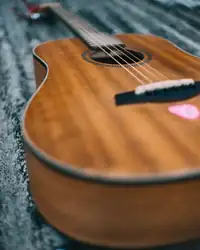
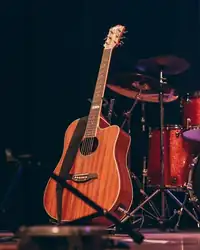
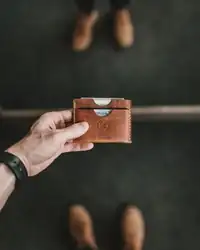
Real stills from the studio's library, shown small. Curated from Pexels, with gradients, solids and textures made in code, a colour wheel with hex codes, and room for your own photos and clips.

04 Make

Drag it, turn it, snap it.

Pick a quote, pick a look, press Make. Reels, posts and carousels from the same line, with the caption and hashtags written for you.
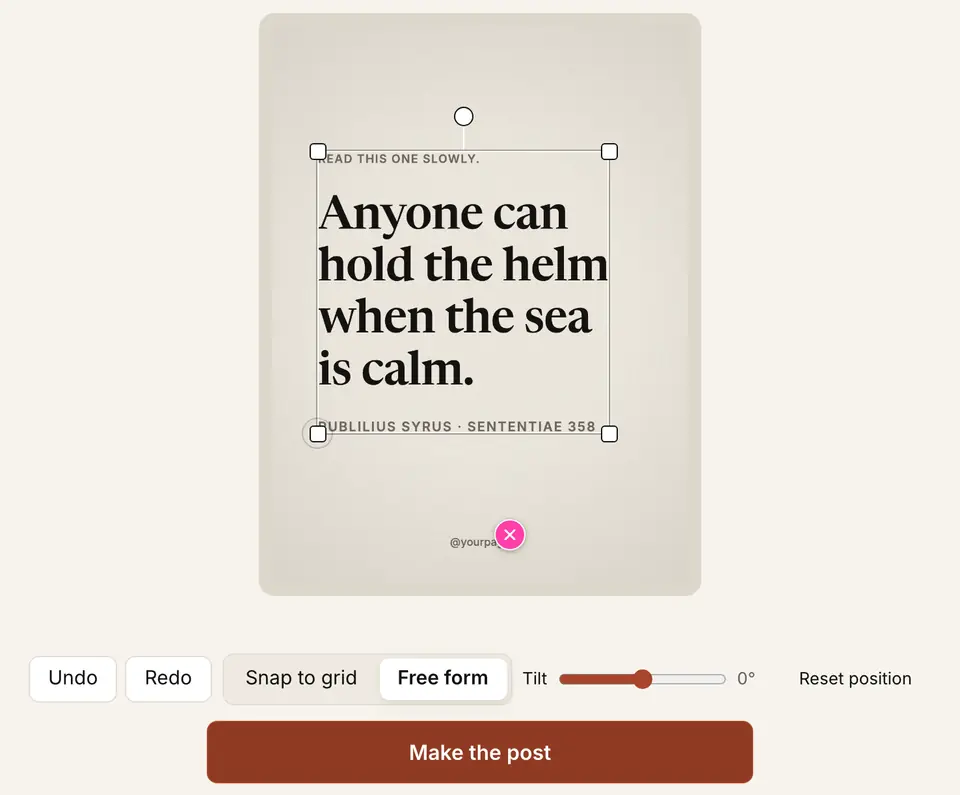
The real editor, recorded frame by frame: drag, a 9° turn, a bigger size.
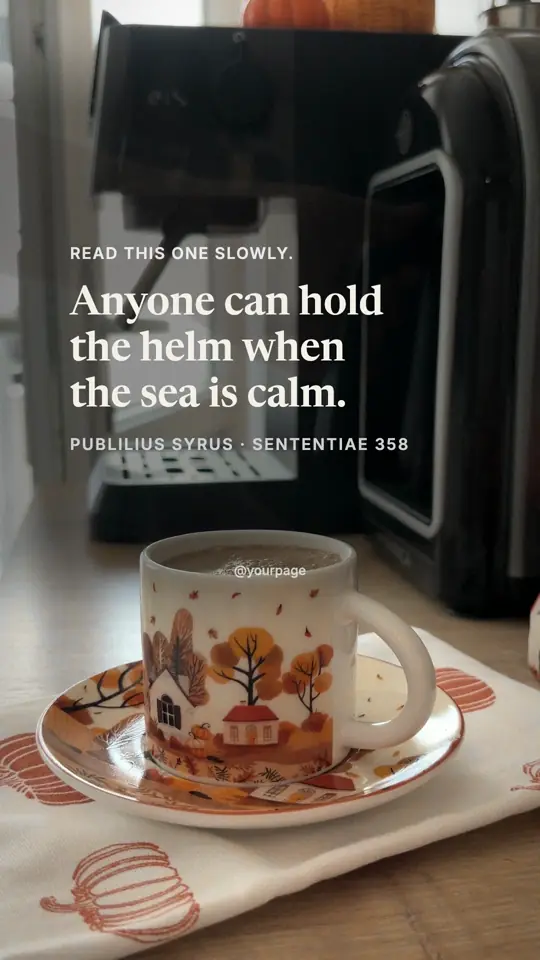
A 10-second reel the studio exported, on an aesthetic b-roll clip.

Free form
Put the words anywhere. Smart guides catch the frame’s edges, thirds and centre, and the turn handle catches at 0, 15, 30 and 45°.
Undo and Apply to all
Undo and Redo step back through your moves. Set one carousel slide, then apply its position to the rest.
Quotes with sources
Famous lines appear only with a checked source. You can write your own lines too.
Colour
A colour wheel with hex codes, plus gradients, solids and textures made in code.
Your own photos
Drop in whole albums. Location and camera data are removed before upload.
A week at once
Plan my week lays out 14 posts: 8 reels, 4 carousels and 2 posts, ready to swap and make.
Trial Reels hooks
One press makes A, B and C versions of a reel's hook, so you can test which one opens best.
Captions
Caption and hashtags written for each post, in six languages. Edit them and your version is the one saved.

Make a reel, a post or a carousel from one line.

05 Edit

A ten-minute talk in. A one-minute short out.

10:00length

Illustration of the clean-up. The words are from the studio's test video.

Cut by words
The studio writes down every word in your browser. Select words and press Delete to cut them.
Clean-up
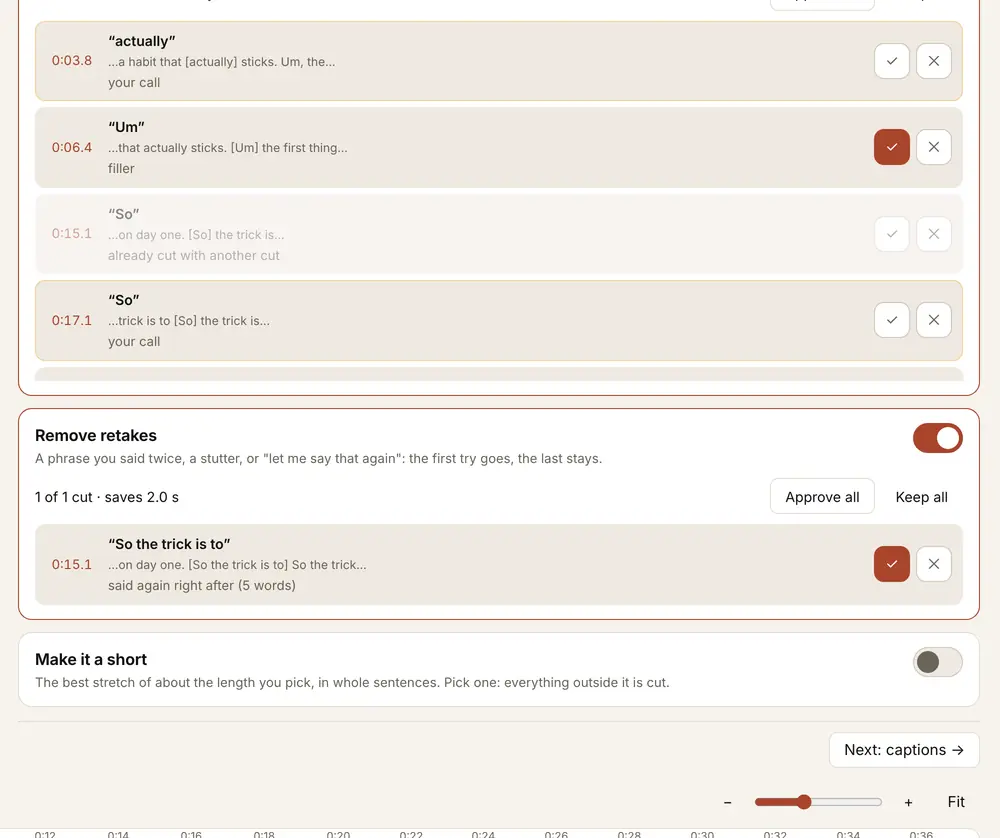
Turn on Remove silences, fillers or retakes: the sure cuts happen at once, every cut is listed, and you can untick any you want to keep.
AI review
Suggests cuts with a reason for each, an opening to start on, and shorts. Nothing changes until you approve it.
Captions and format
Four caption styles in the studio's fonts and colours, punch-in zooms, and 9:16, 4:5, 1:1 or 16:9.

Your footage never leaves your laptop.

AI review, if you use it, reads only the words and their times.
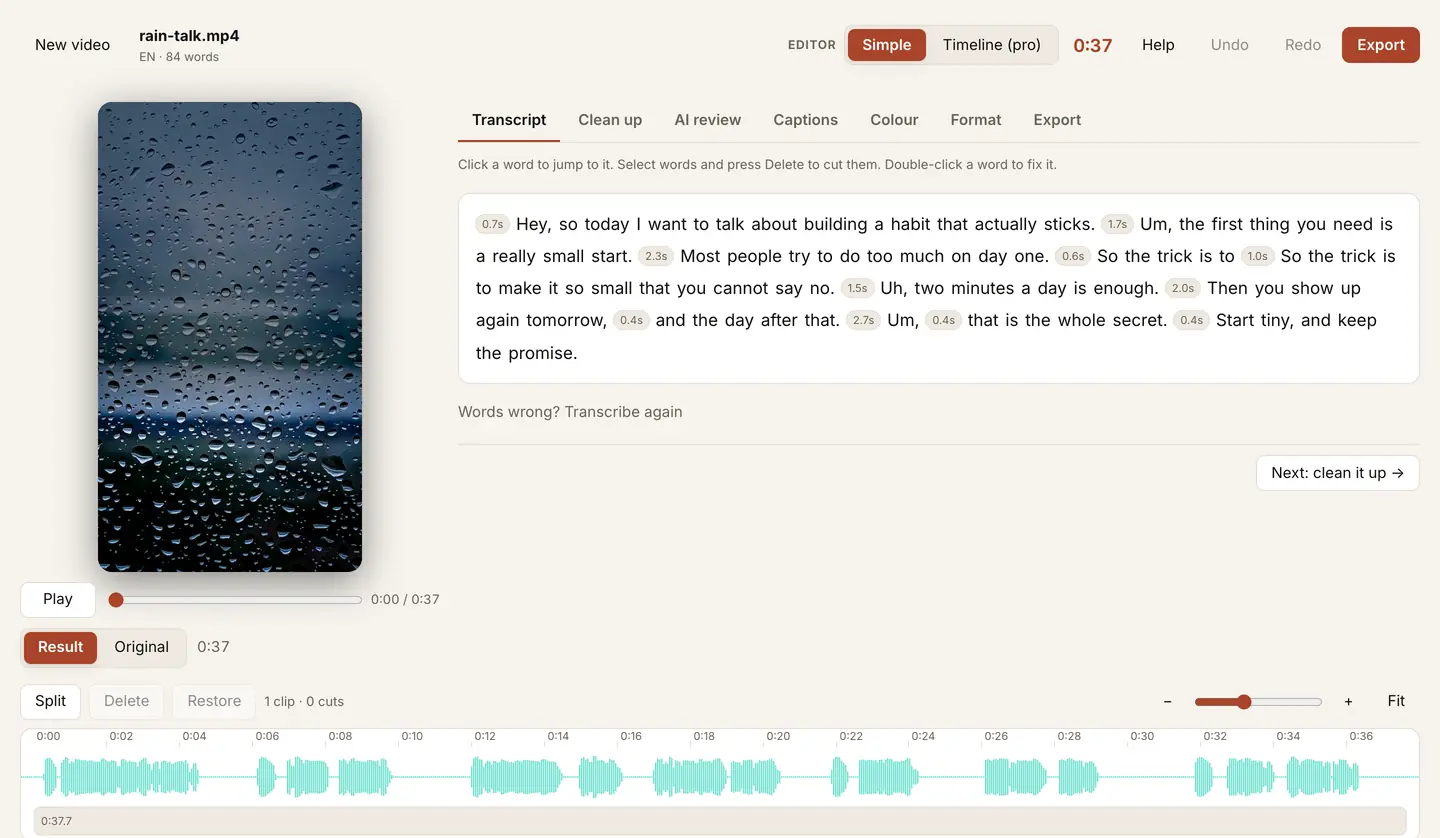
The Edit tab: the transcript of a test video with the pauses marked, the preview and the timeline
Transcript and timeline, on the studio's test video.
The clean-up list: each filler and retake with its time, a tick to approve it and a cross to keep it
Every cut listed, yours to keep or approve.

Bring a talking video. The footage stays on your laptop.

06 Creators

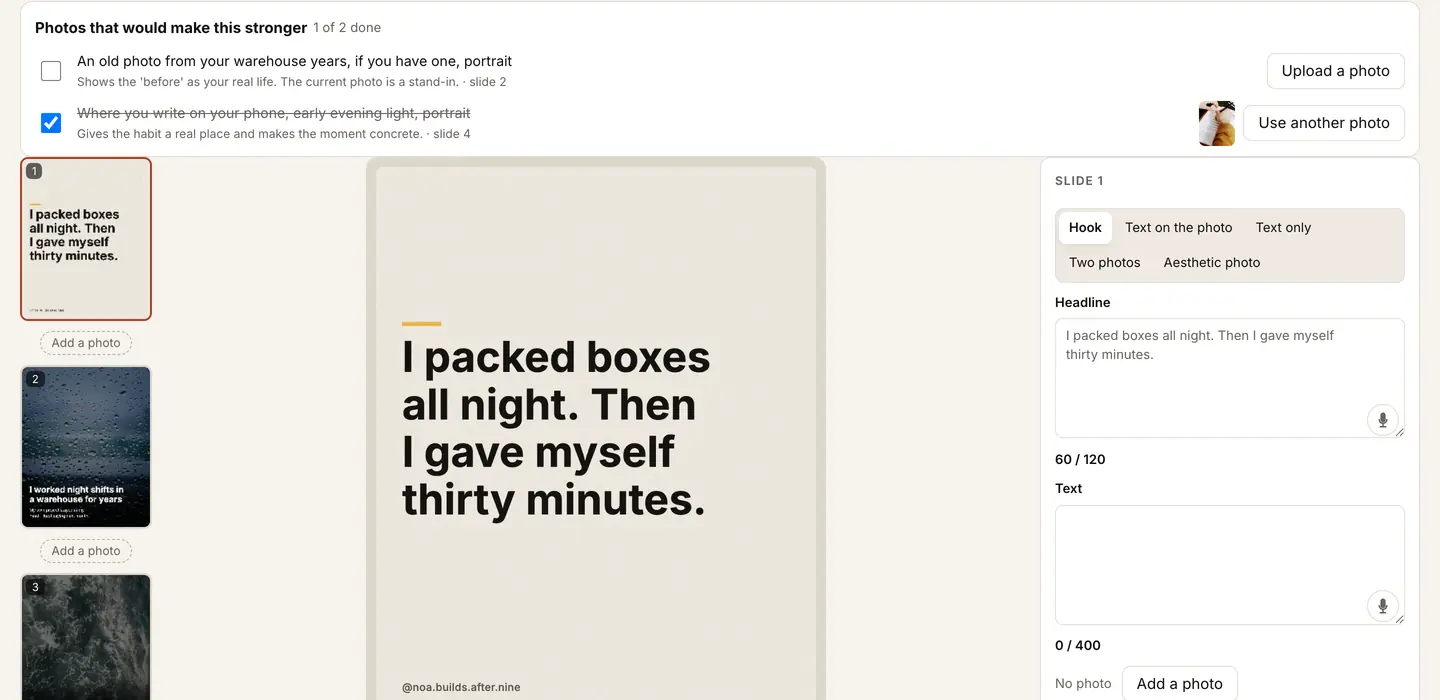
A creator's photos become a story.

Upload a creator's photos and tell the studio who they are. The writer drafts storytelling carousels in their voice, keeps the words clear of faces, and asks for the photos the story is still missing. It learns from what you keep and change.

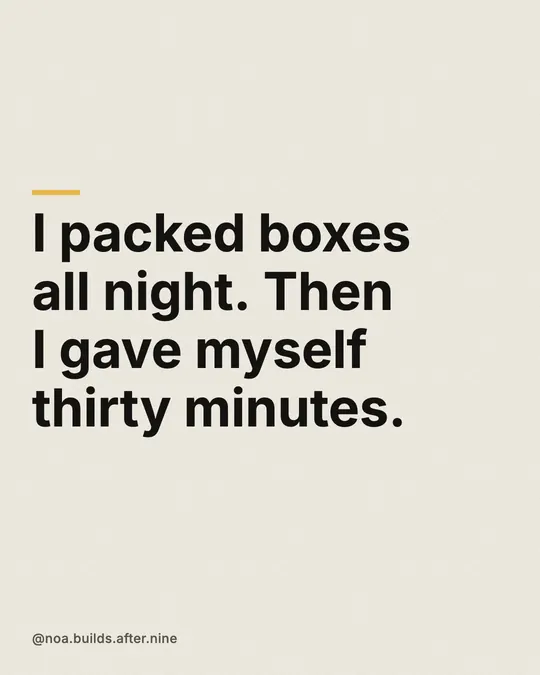
  1. Slide 1: I packed boxes all night. Then I gave myself thirty minutes.
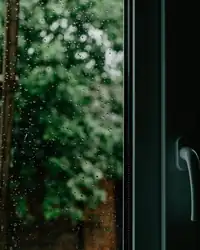
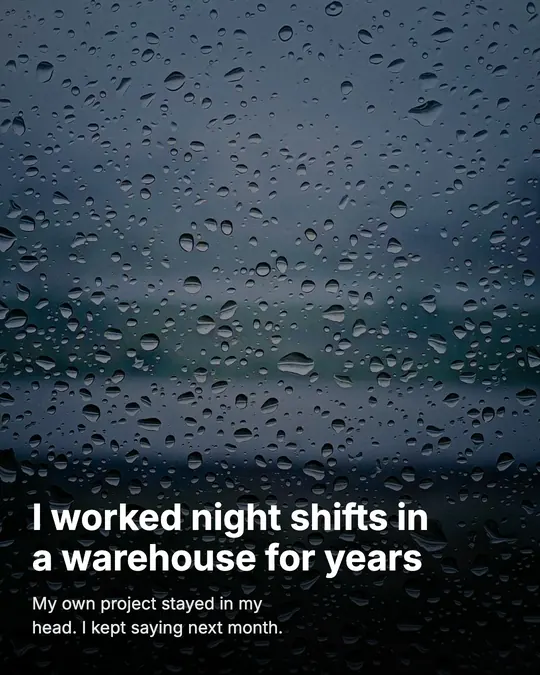
  2. Slide 2, on a rainy window: I worked night shifts in a warehouse for years.
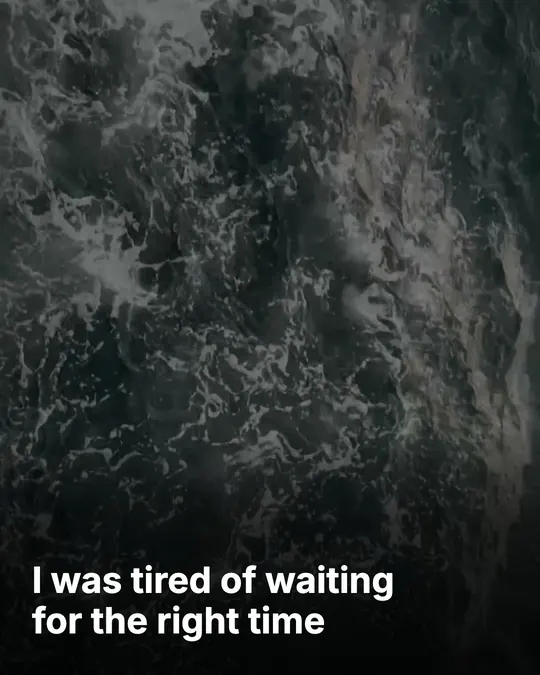
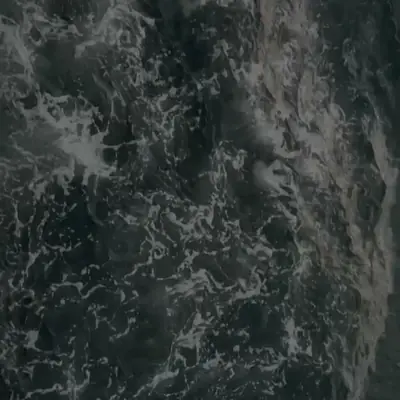
  3. Slide 3, on a dark sea: I was tired of waiting for the right time.
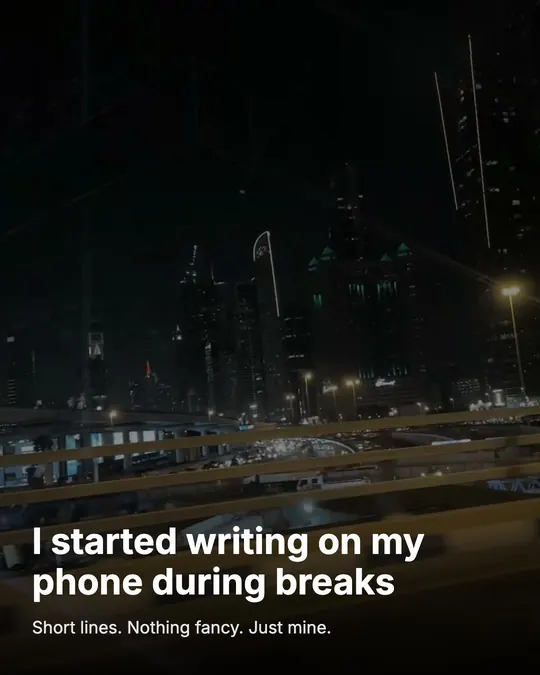
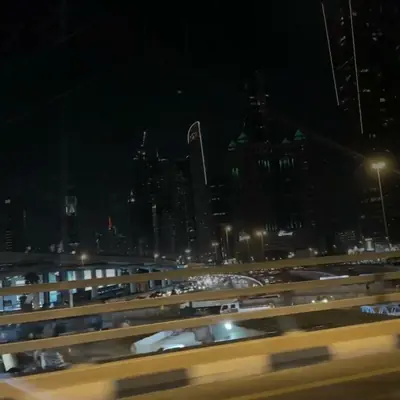
  4. Slide 4, on a city at night: I started writing on my phone during breaks.
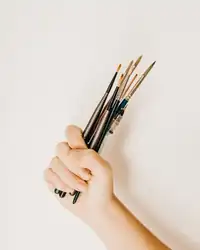
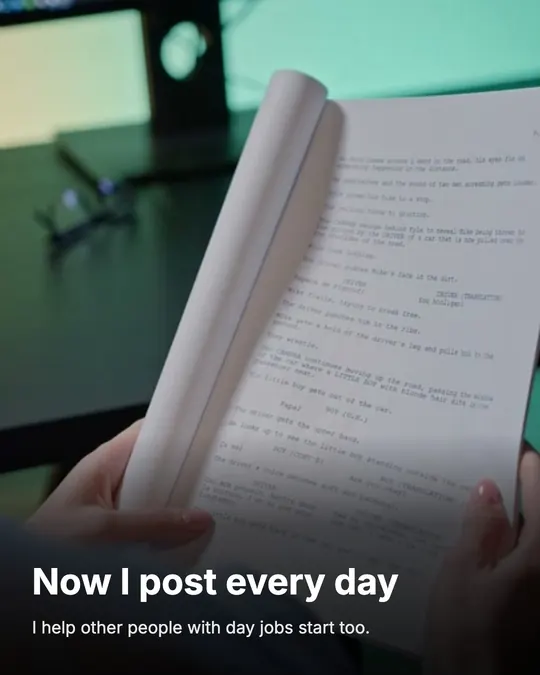
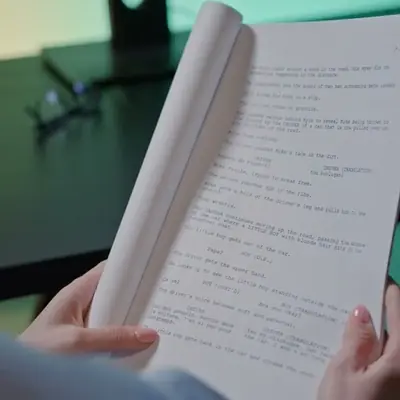
  5. Slide 5, hands holding pages: Now I post every day.

Slides drawn by the studio for a fictional test creator, from faceless stock photos.

Faces stay on the laptop
Face grouping is off until you switch it on for a creator, and it runs only on your laptop. Name people once and the writer knows who is who.
Photo requests
A checklist of the shots that would make the story stronger, each with the slide it is for.
Photo editor
Crop, light and looks on the creator's photos, in the same place.
Brand kits
For brands: their colours, fonts, logo, clips and voice, ready in Make.
The Creators carousel editor: photo requests at the top, the slides on the left, the slide preview and the slide's words
The carousel editor, with a fictional QA creator.

Upload a creator's photos and draft their first story.

07 Research and Launch Center

Know what to post. Learn what worked.

Before you post

Research that keeps running

Trends, sounds and formats from TikTok, Instagram and YouTube arrive every day. For you ranks ready-made posts. Trending brings lines that beat their account's usual views, each source checked.

After you post

Launch Center

Connect Instagram, read-only: Launch Center can never post, comment or message. Each post's numbers are pulled at day 1, 3, 7 and 30, and every choice (style, font, background, hook, posting time) is set against your account's usual, the median of its last 20 posts. Next best posts turns that into five ideas, and one in five tests something new.

  1. 1 to 2 postsToo early to say
  2. 3 postsA Hint
  3. 10 posts, clear of chanceSolid

One post never counts for more than 8× your usual.

Sample numbers, for layout only Launch Center with sample numbers: What's working and the account's last seven days
Launch Center, shown with the studio's sample data. Members can connect Instagram once Meta's app review is done.

Start making today. Instagram connections open to members after Meta's app review.

08 Bought one by one

The same jobs from separate tools cost about $89 a month.

That Big Vision Studio does these jobs together, with the curated library, the checked quotes and creator storytelling on top. Creator Pro, which adds the Inspiration radar for finding what works, is proposed at $79 a month. For the making alone (the first three lines, $39.99), Creator is proposed at $39.

Separate tools, one per job

  • Quote posts, reels and carousels from templates, with fonts and a brand kitA design app$9.99
  • Talking-video editing: transcript cuts, filler and pause removal, captions, clipsA clip tool$15.00
  • AI carousels with a brand kitA carousel tool$15.00
  • Finding what works: outliers, formats and hooks across Instagram, TikTok and YouTubeA trend insights tool$49.00

A month, together$88.99

List prices, Oct 2026. The cheapest single-purpose tool for each job, billed monthly. Each of these tools does more in its own lane.

09 Plans

Proposed prices

Free, two plans for creators, two for brands, and Agency.

Start free with Make and Trending. Creator plans add the full curated library, Edit, Animations and the AI writer. Brand plans add a brand kit and team logins. Agency is priced per client account.

Free

Trying the studio

$0a month

  • 4 of the 10 templates
  • Live Trending quotes and formats
  • 3 still categories, 30 clips and 12 fonts
  • 10 exports a month, with a small mark
Start creating

For creators

For creators

Creator

One creator, one page

$39a month

or $390 a year, 2 months free

  • The full library: 6,872 stills, 115 fonts
  • Unlimited clean exports
  • Edit, Animations and a Week plan
  • 60 AI writing + 10 animation jobs a month
Everything included
  • The full curated library: 10 templates, 6,872 stills in 32 categories, every clip and 115 fonts
  • Unlimited clean exports
  • For you, Sounds, the Library, a 14-post Week plan and Made
  • Edit for talking videos, and Animations
  • 1 page and 1 creator workspace, each writing in its own voice
  • 60 AI writing jobs and 10 AI animation jobs a month
  • Launch Center for 1 Instagram account, after Meta's app review
Start creating

For creators

Creator Pro

A creator running up to 3 pages

$79a month

or $790 a year, 2 months free

  • Everything in Creator, for 3 pages
  • Inspiration radar for 90 accounts
  • 150 AI writing + 30 animation jobs a month
  • Animation autopilot for 1 page
Everything included
  • Everything in Creator
  • The Inspiration radar: track 90 accounts and recreate what works in your own story and voice
  • 3 pages and 3 creator workspaces, each with its own voice
  • 150 AI writing jobs and 30 AI animation jobs a month
  • The animation autopilot for 1 page
  • Launch Center for 3 Instagram accounts, after Meta's app review
  • Posting straight to Instagram (coming)
Start creating

For brands

For brands

Brand

One business brand and its team

$149a month

or $1,490 a year, 2 months free

  • Everything in Creator
  • A brand kit and 2,000 of your photos
  • 3 team logins
  • 250 AI writing + 15 animation jobs a month
Everything included
  • Everything in Creator
  • A brand kit from your website or Instagram, a media library and on-screen text styles
  • 3 team logins
  • 2,000 of your own photos, and a creator workspace for the face of the brand
  • The Inspiration radar for 30 accounts
  • 250 AI writing jobs and 15 AI animation jobs a month
  • Approval links and posting straight to Instagram (coming)
Start creating

For brands

Brand Team

Up to 3 brands, one team

$299a month

or $2,990 a year, 2 months free

  • Everything in Brand, for 3 brands
  • 10 team logins
  • 600 AI writing + 40 animation jobs a month
  • Priority support
Everything included
  • Everything in Brand, for 3 brands
  • 10 team logins
  • 600 AI writing jobs and 40 AI animation jobs a month, and the autopilot for 1 page
  • The Inspiration radar for 90 accounts
  • Launch Center for 5 Instagram accounts, after Meta's app review
  • Priority support
Start creating

For agencies

Agency

Agencies, from 5 client accounts

$69per client account a month

From $345 a month for 5 accounts, or $3,450 a year

Opens after Meta's app review

Price per client account

  1. 1 to 10$69
  2. 11 to 25$55
  3. 26 to 50$45
  4. 51 and up$35

Each price applies to the accounts in its band, so adding an account never lowers the bill.

  • A workspace and voice per client
  • 80 AI writing + 8 animation jobs per client, pooled
  • 2 free team logins per client
  • Inspiration radar for 30 accounts per client
Everything included
  • Every client account gets its own workspace and voice
  • The Inspiration radar for 30 accounts and Launch Center for 1 Instagram account, per client
  • 80 AI writing jobs and 8 AI animation jobs a month per client, shared across the agency
  • 2 team logins per client, free; your clients never need one
  • Approval links with your logo (coming)
  • Posting straight to Instagram (coming)
Start creating

Add-on for Creator Live in Brands and Creators

Inspiration radar

$19a month

On Creator. Included from Creator Pro up.

  • Competitor lists: track up to 30 accounts, added by link or handle
  • Suggested competitors, each one checked before it is suggested
  • The last 7 days of viral posts from those accounts, measured against each account's own usual
  • Recreate: an original post built on a structure that is working, in your own story and voice
  • Paste a post link or upload screenshots to recreate its structure

On every plan: 1080 px exports, the checked quotes library, the free-form editor and captions in six languages.

  • Proposed prices in US dollars, before VAT. They can change before billing opens.
  • Yearly billing is 10 times the monthly price.
  • At the AI allowance, new AI jobs wait for the 1st of the month. Or add an AI boost: 100 more writing jobs and 10 more animation jobs for $19 a month. Nothing is charged automatically and nothing rolls over.
  • Extra Instagram accounts are $9 a month each. Extra team logins on Brand plans are $10 a month each.
  • Instagram connections in Launch Center open to members after Meta's app review. (coming) means not built yet.

10 Questions

Asked so far.

How do I start?

Press Start creating to open the studio in your browser. It works best in Chrome on a laptop or desktop. Already have an account? Log in takes you straight in.

Is it for Instagram or TikTok?

Both. Reels export as 9:16 MP4 files and posts and carousels as images, ready for Instagram or TikTok. The research reads TikTok, Instagram and YouTube.

Where do the photos and clips come from?

From Pexels, curated for the studio: every still passed size and crop checks and a check by eye. You can also use your own photos and clips.

Are the quotes real?

Famous quotes appear only with a checked source, and lines with a wrong attribution were removed. You can also write your own lines.

Does my video get uploaded?

No. The Edit tab writes down the words in your browser and the footage stays on your laptop. AI review, if you use it, reads only the words and their times.
What does Launch Center need?

An Instagram professional account. It connects read-only, so it can never post, comment or message. Member connections open after Meta's app review.

How is my data used?

We use your data, including your Instagram results and what you make and keep in the studio, to improve your performance. Patterns are also combined anonymously across accounts to improve suggestions, never showing your posts or numbers to anyone else. Read the privacy policy.

What happens with faces in a creator's photos?

Face grouping is off until you switch it on for a creator, and it runs only on your laptop. Switch it off and the face data is deleted; the photos stay.

How much does it cost?

Free is $0. For creators, Creator is $39 a month and Creator Pro $79. For brands, Brand is $149 and Brand Team $299. Agency is $69 per client account a month, from 5 accounts ($345), then $55 from the 11th, $45 from the 26th and $35 from the 51st. A year costs 10 months: 2 months free. The Inspiration radar is a $19 add-on on Creator and is included from Creator Pro up. These are proposed prices and can change before billing opens.

Live now

Start creating.

Open the studio, pick a quote, pick a look and make your first post.

Start creating Log in

Works best in Chrome on a laptop or desktop. See the privacy policy for how your data is used.